
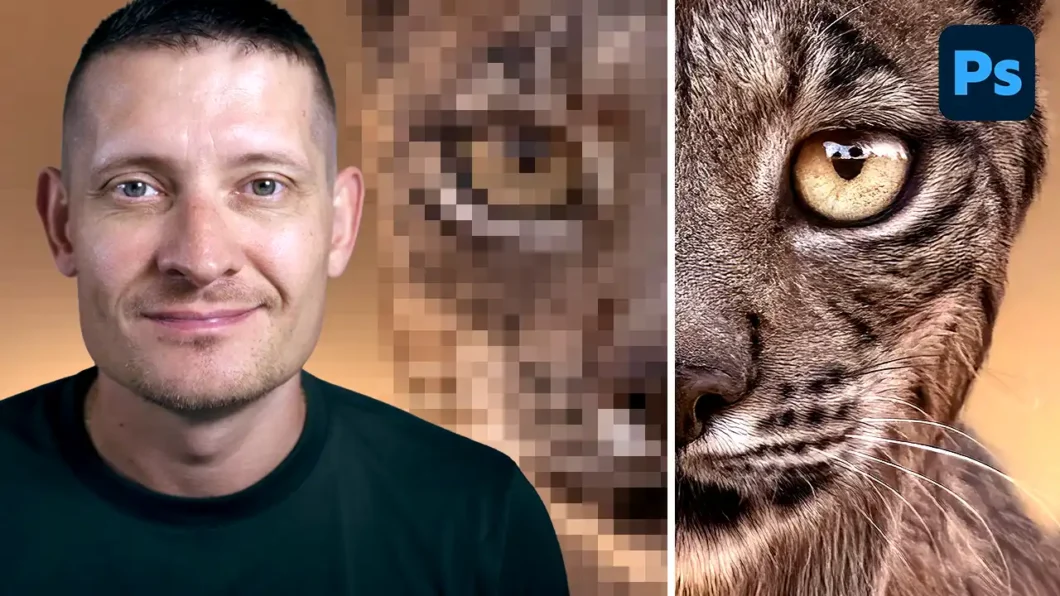
If you want your photos to look crisp, sharp, and professional, Photoshop has some powerful tools to help you get there. In this video I’m gonna show you the best method to sharpen images in Photoshop so you can take your photo editing to the next level.
Whether you’re editing portraits, landscapes, or product photos, sharpening is one of those finishing touches that can make a huge difference in the final result. And the good news is that it’s easier than you might think.
Watch the video above to see exactly how it’s done. No complicated steps, just a simple and effective method that works for any type of image.
For even better results, I also recommend trying Topaz Photo AI or Aiarty Image Enhancer alongside Photoshop. Both tools can take your image quality even further with AI-powered sharpening and enhancement.
►►► Link to Topaz Photo AI
►►► Link to Aiarty Image Enhancer