
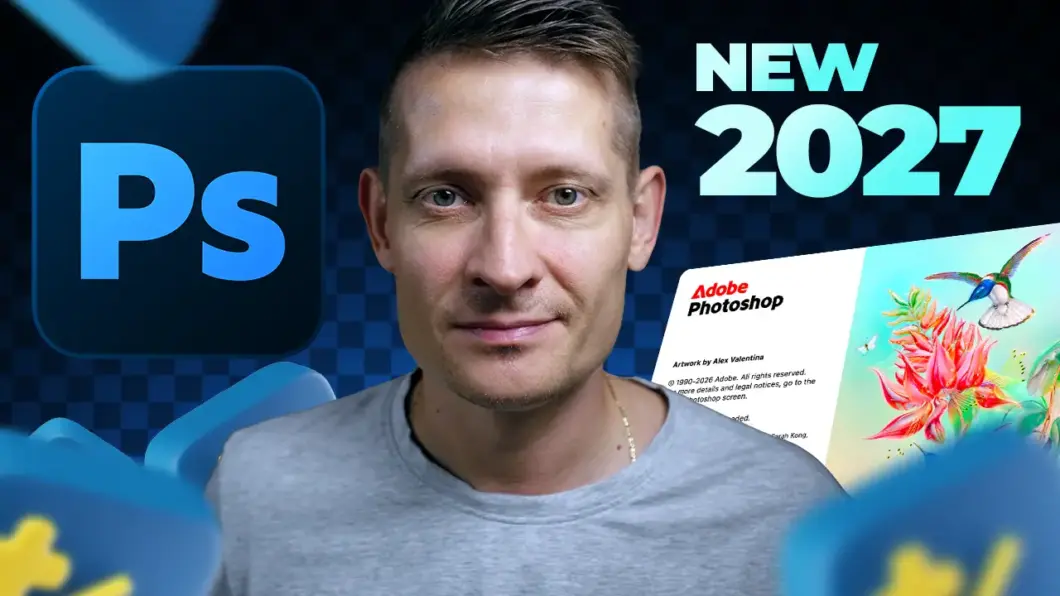
Adobe Photoshop 2027 (version 28.0) is here, bringing a new set of features, AI-powered tools, and workflow improvements for photographers, designers, and digital artists.
In this video, I take a look at all the new Photoshop 2027 features and show you how they work in practice. From the redesigned Spectrum interface and updated Adjustment Layers to new AI features like Prompt to Edit, Generative Restyle, Generative Recompose, and Generative Upscale, there’s quite a lot to explore.
I’ll also cover improvements to the Remove Tool, Enhance Edge, Camera Raw, Color Picker, and more.
Watch the full video below to see all the new Photoshop 2027 features in action!
If you’re interested in Adobe Photoshop tutorials, AI-powered photo editing, and the latest creative tools, make sure to subscribe to my YouTube channel for more videos.