
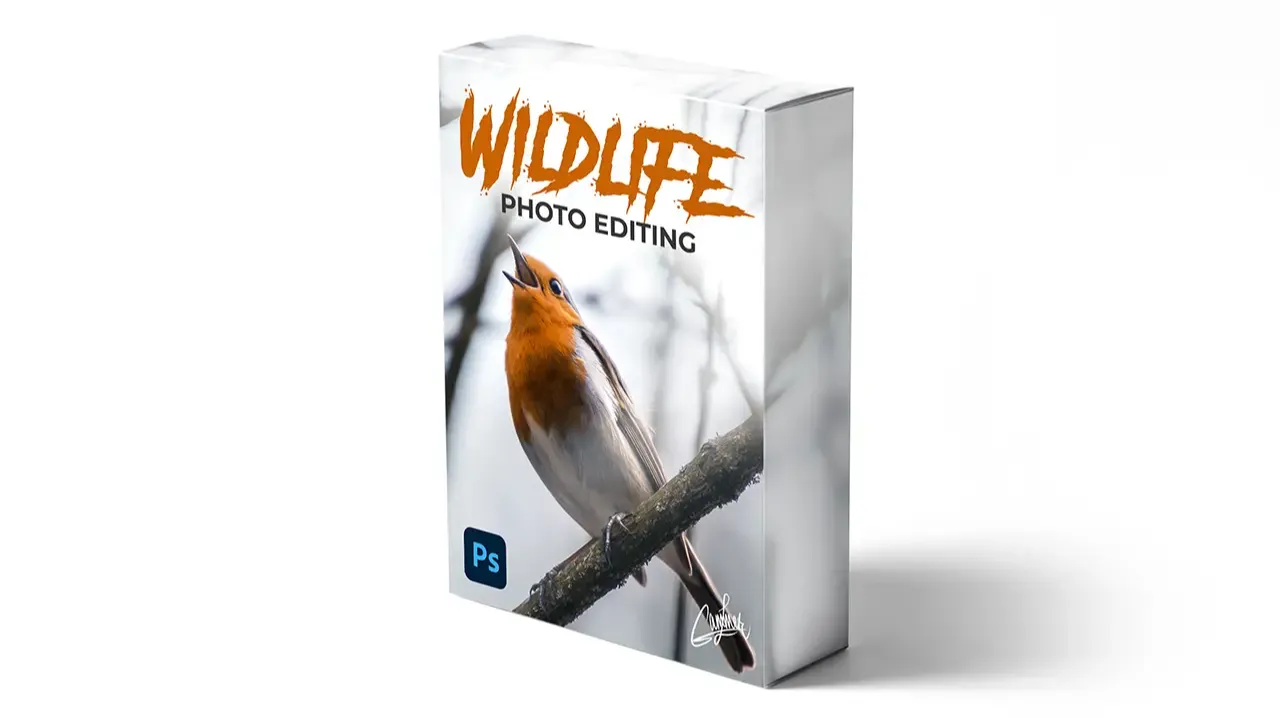
About Course
Get INSTANT access to the entire 15+ modules Wildlife Photo Editing Course to learn and master Adobe Photoshop including:
- LIFETIME access to everything
- 15+ modules
- 5+ hours of detailed video training
- 100+ video lessons
- All images & brushes
- Support for any questions
- All future updates
- BONUS: 3 Lightroom Presets
The Wildlife Photo Editing Course comes with a 7-day money-back guarantee, no questions asked.
Try out the courses, explore the bonuses, follow the steps, put in the effort, and if you’re not satisfied within the first 7 days, just send me an email for an immediate refund. No questions, no hard feelings. Your happiness matters, and if you’re not happy, I don’t want your money. It’s that straightforward.
Course Content
1. Introduction to Photoshop
Getting to know Photoshop
-
Getting to know Photoshop
2. European Robin
Cropping
-
Cropping
-
Dodge
-
Burn
-
Light Effects
-
Curves
-
Colors
-
Camera Raw Filter
-
Exporting
3. Deer
-
Retouching Highlights
-
Retouching Shadows
-
Doing Corrections
-
Adding Depth
-
Overall Lighting
-
Color Adjustments
-
Editing the Sky
-
Camera Raw Filter
4. Fox
-
Correcting The Lighting
-
Using The Burn Tool
-
Doing Corrections
-
Camera Raw Filter
-
Final Corrections
5. Lion
-
Correcting Contrast
-
Retouching Eyes
-
Brushing Face
-
Colors & Corrections
-
Camera Raw
6. Vulture
-
Lighting & Colors
-
Retouching Eyes
-
Brushing Areas
-
Adding Depth
-
Camera Raw Filter
-
Magical Touch
7. Squirrel
-
Editing Colors
-
Editing Lighting
-
Sunlight
-
Enhancing Shadows
-
Adding Warm Tones
-
Camera Raw Filter
-
Finalizing
8. Elephant
-
Removing Background
-
Color Adjustments
-
Adding Mist
-
Correcting Flaws
-
Lights
-
Camera Raw Filter
-
Finalize
9. Owl
-
Black & White
-
Changing The Colors
-
Curves
-
Brushing Feathers
-
Colors & Curves
-
Creating Light Effects
-
Camera Raw Filter
-
Removing Noise Manually
10. Leopard
-
Easily Remove Background
-
Brushing Light Spots
-
Creating Highlights
-
Creating Dark Areas
-
Drawing Whiskers
-
Creating Mist
-
Light Effects
-
Camera Raw Filter
-
Final Touch
11. Lioness & Lion
-
Removing Background
-
Clone Stamping
-
Corrections Selections
-
Colors & Lighting
-
Creating Mist
-
Light Effects
-
Brushing Highlights
-
Brushing Shadows
-
Camera Raw Filter
-
Finalize
12. Sunset Leopard
-
Black & White Filter
-
Enhancing Highlights
-
Adjusting Shadows
-
Colors & Contrast
-
Lights
-
Making It Misty
-
Corrections
-
Camera Raw Filter
13. Lynx
-
Making It Dark
-
Making It Light
-
Brushing Dark Areas
-
Changing The Colors
-
Enhancing The Eyes
-
Corrections
-
Noise & Camera Raw Filter
14. Kingfisher
-
Changing The Background
-
Creating Background
-
Correcting Selections
-
Colors & Depth
-
Corrections
-
Blending
15. Coyote
-
Creating File
-
Refine
-
Brushing
-
Background Texture
-
Colors & Depth
-
Camera Raw Filter